Practical guides for everyday digital tasks.
Utills is a growing library of clear, original, step-by-step guides for the things people actually need to get done — working with PDFs and images, converting files, quick calculations, and more. Free, fast, and genuinely useful.
Find a guide by topic.
Every guide is written to be clear and complete — and each one pairs with a free Utills tool as we roll them out.
PDF Guides
Merge, compress, convert, split, and protect PDF files — explained step by step.
Image Guides
Compress, resize, convert, and optimize images without losing quality.
Text & Writing
Word counters, case converters, and handy text utilities for writers.
Converters
Convert units, colors, timestamps, and data formats with confidence.
Calculators
Everyday math made simple: percentages, loans, dates, and more.
Developer Tools
Encoders, formatters, validators, and generators for developers.
Fresh guides.
 Image
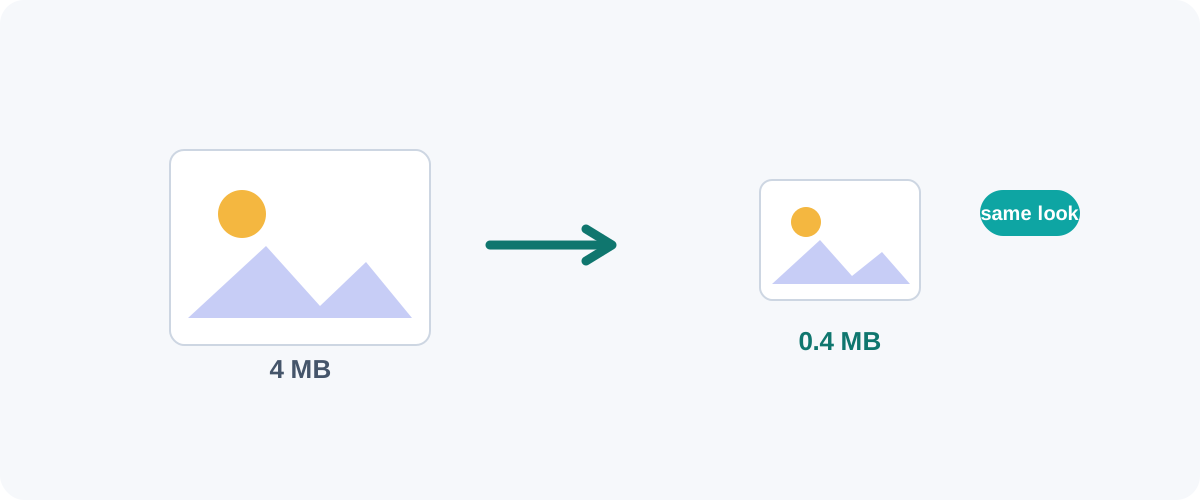
Image How to Compress Images Without Losing Quality
The real reasons image files get big, the difference between lossy and lossless, and the best free ways to shrink JPGs and PNGs on Mac, Windows, and in your browser.
 PDF
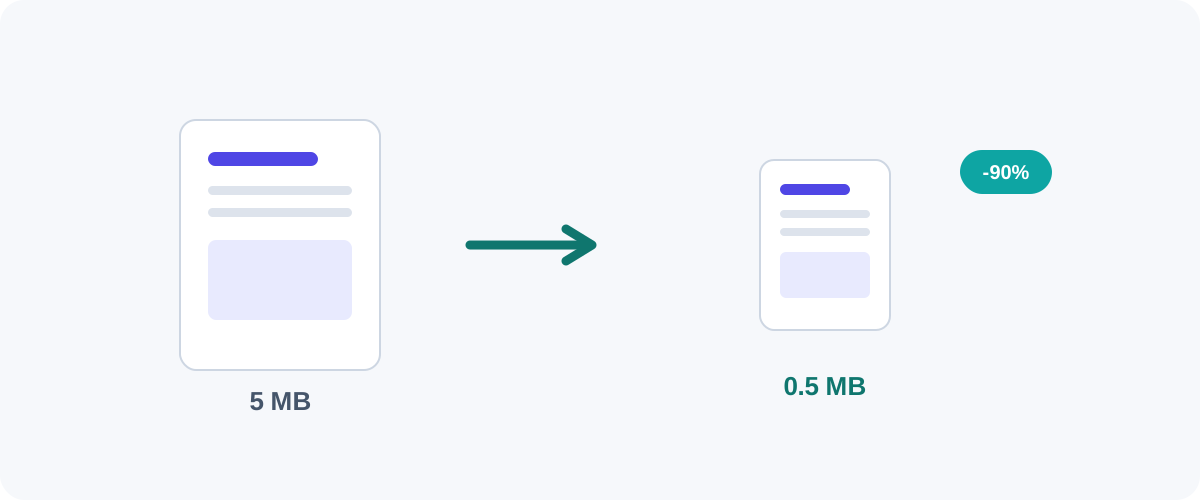
PDF How to Compress a PDF Without Losing Quality
Why PDFs get huge, what compression actually changes, and the best free ways to shrink a PDF on Mac, Windows, and online — without turning your text to mush.
 PDF
PDF How to Merge PDF Files for Free (Windows, Mac, iPhone & Android)
A practical, tested guide to combining multiple PDFs into one file — online, on your desktop, on your phone, and from the command line — plus how to keep private documents safe.
 Image
Image PNG vs JPG vs WebP: Which Image Format Should You Use?
A plain-English comparison of the three formats you meet every day — what each is good at, where each falls down, and a simple rule for always picking the right one.
 Text
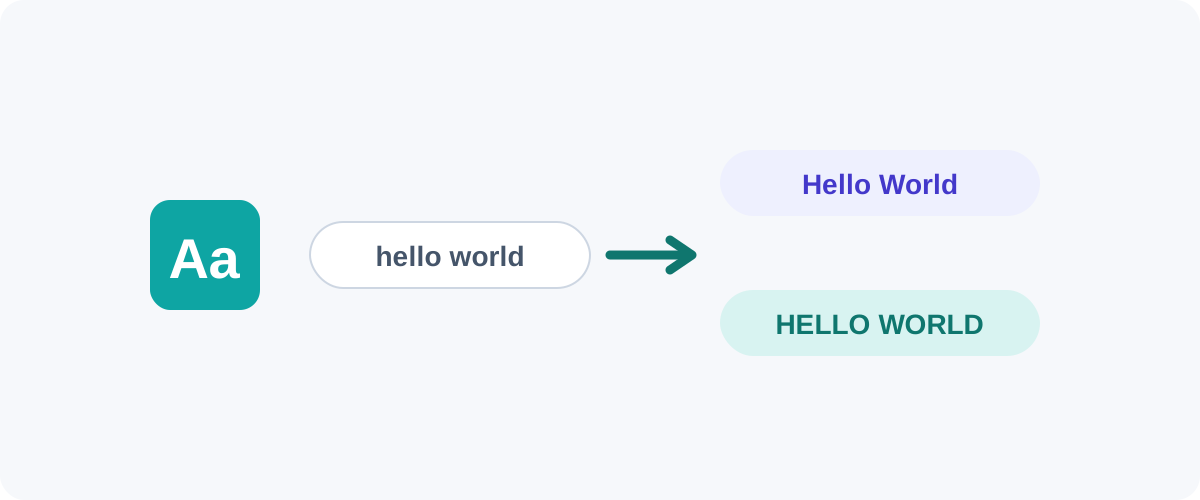
Text How to Change Text Case: Uppercase, lowercase, Title Case & Sentence case
Convert text between cases without retyping it — in Word, Google Docs, Excel, and the browser — plus what each case actually means and why Title Case rules disagree.
 Convert
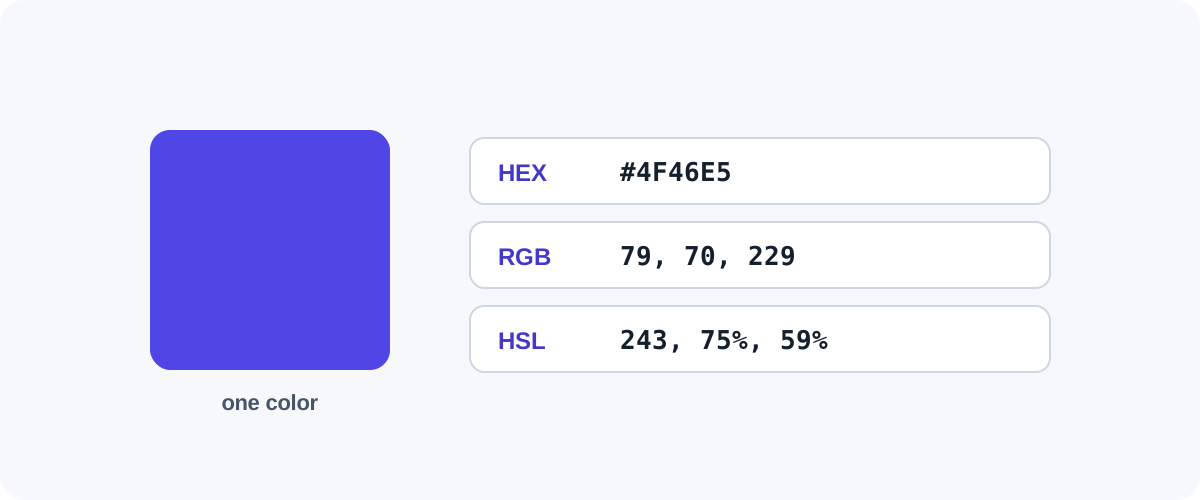
 Color Codes Explained: HEX, RGB, and HSL
What HEX, RGB, and HSL color codes mean, how to read and convert between them, and when each one is the right tool — for designers, developers, and the curious.
Built to actually help.
Clear & original
Every guide is written from hands-on testing in plain English — no filler, no copy-paste, no fluff. Just the steps that work.
Privacy-first tools
Our tools are designed to run in your browser wherever possible, so your files stay on your device. When a server is needed, files are deleted automatically.
Free to use
Guides and core tools are free. We keep the lights on with unobtrusive ads — never by selling your data.